We often get bored in school at the library or the computer lab.
Is your school administrator blocking access to sites for gaming on the school’s computer?
Then access some of the best unblocked games for school to play for free using this article.
These unblocked games run in web browsers without requiring any installation. No need for flash. You can start playing after loading them.
Some of them offer to save states for resuming gameplay in the future. Others store personal high scores in the browser.
So here are the best Unblocked games to play at school.
Best Unblocked Games For School
1. Flappy Bird
The first unblocked game for school is Flappy Bird. Everyone with a smartphone has played this game at some point in time.
It has made its way outside the devices and can be played in the browser.
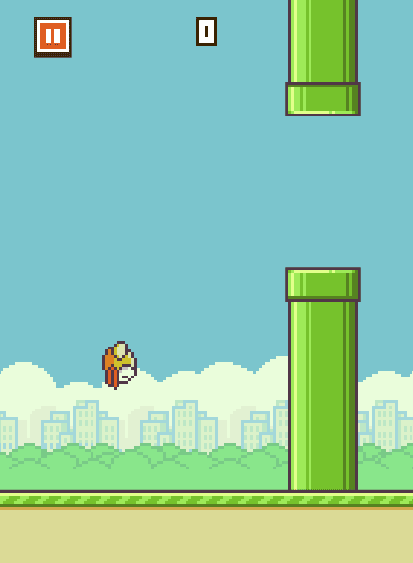
You only need the mouse to click consistently for the bird to stay in the air and avoid the tunnels. Touch any of the obstacles, and the game ends. Your game will screen by one for passing each tunnel without touching it.
It remembers the high score, so play the game with friends at school. Beat the high scores of each other and have a good time.
2. Escape Car
You start with a Tesla Cybertruck to drive on the road. The goal is to escape the police and keep driving. The car keeps moving forward and you steer with the arrow keys. Down arrow does the reverse.
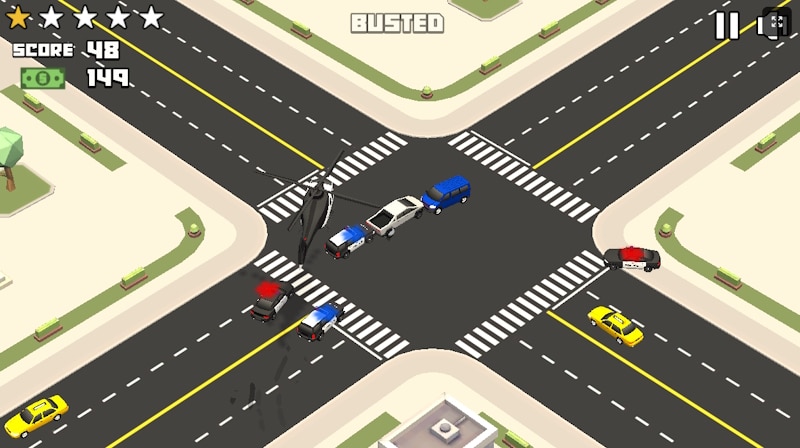
The more you travel, the more points you earn. You can use in-game money it to unlock more cars and get better at scoring in the game.
The wanted level increases in the game and more police cars, helicopters intercept you on the way. You have to keep dodging them to earn money, which is available at different points of the map.
3. Subway Surfer
Now Subway Surfer is here on the browse. No more swiping on the touchscreen, just use the arrows to keep playing. It has the same “just one more run” feeling.
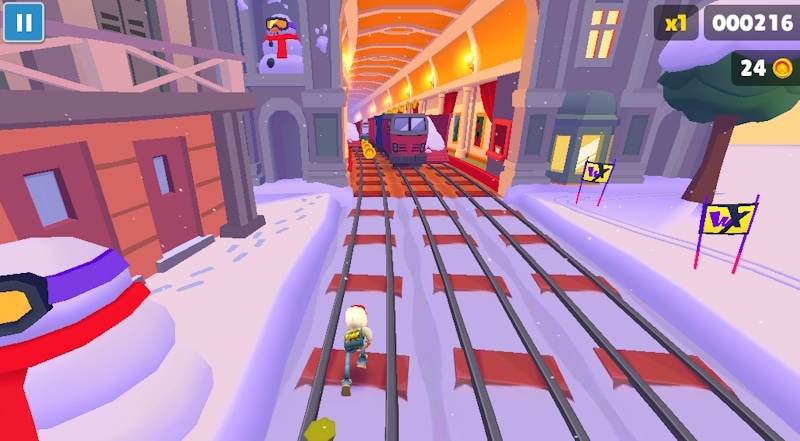
Instead of swiping, you use your keyboard to move left and right, jump, and roll. Along the way, you collect coins, grab power-ups like jetpacks and hoverboards.
Keep on surfing to score more, and compete against the leader-board of the game.
4. Plonky
If you are looking for a game that doesn’t take itself too seriously, Plonky is the kind of thing you will probably enjoy more than you expect.
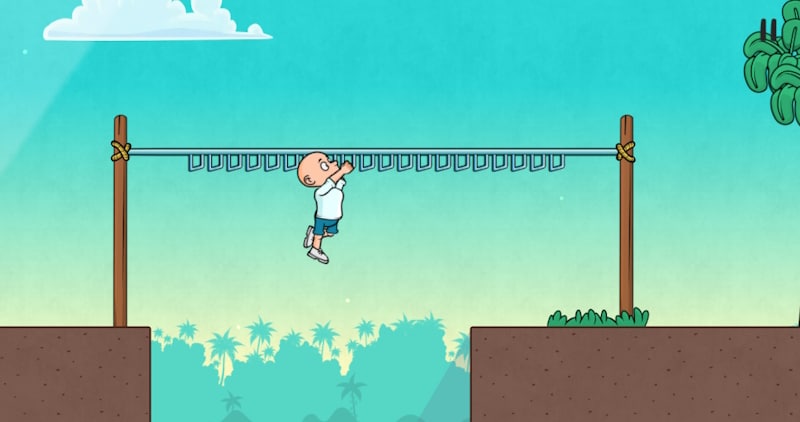
It is one of those browser games where the controls feel a little awkward on purpose. Your character moves in a wobbly, almost clumsy way, and that is where most of the fun comes from.
Simple actions like jumping or landing can turn into hilarious fails, and half the entertainment is just trying to stay in control.
5. Escape Tsunami
When you are in the mood for something fast, tense, and a little dramatic, Escape Tsunami is the kind of browser game that grabs your attention immediately.
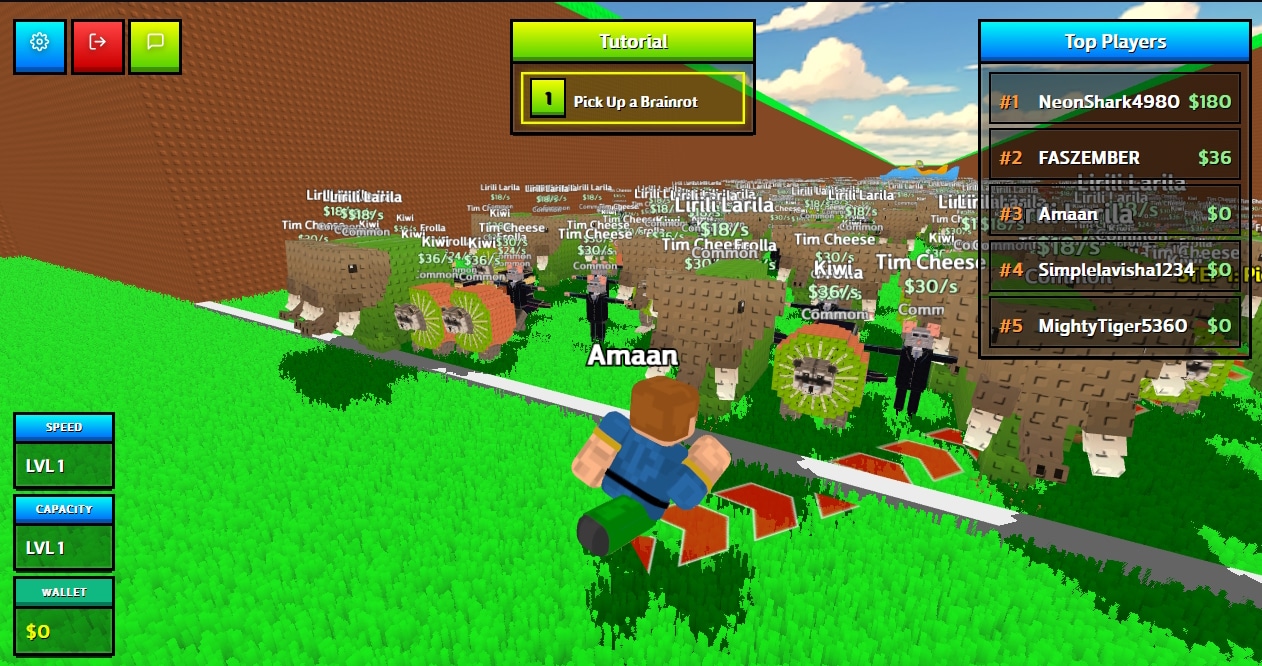
The concept is simple: a massive wave is coming, and you need to run. As you move through the environment, you dodge obstacles, leap across gaps, and climb over anything standing between you and safety.
The pressure builds as the wave gets closer, which makes even small mistakes feel intense.
You can play alone with a create a server for your friends.
6. Paper IO
Paper IO is another Unblocked game for school that requires either a mouse or a keyboard.
The idea is to move the block around and capture a major map area.
Move an outline around the map and circle back to the block to capture the area.
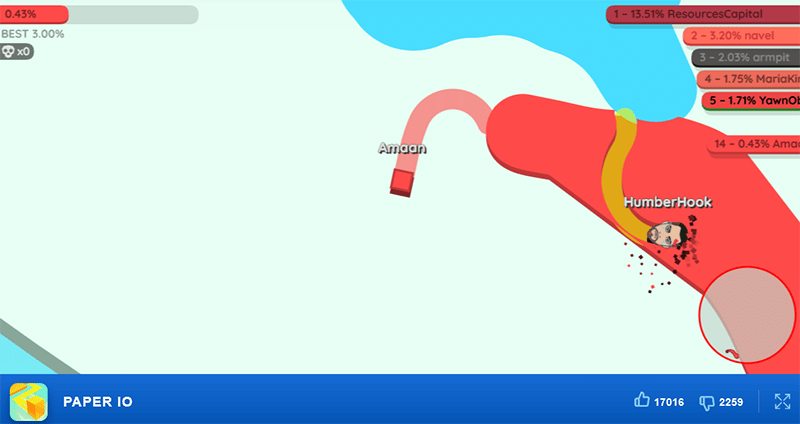
You can capture other players’ areas by running an outline over them. Make sure to avoid touching their outlines in progress to avoid getting knocked out. This game can be played with friends by creating a party lobby.
There are six different modes, classic, small map, fast speed, world conflict, world map, and the newly introduced battle royale, teams.
Also Read: Best IO Games
7. Slope 3
Slope 3 is an infinite game with endless running. You will not get bored playing it in school. Control the ball using A and D or through the arrow keys.
Keep your eyes on the path and avoid obstacles to advance forward in the game.

The ball’s speed gets faster as the player advances in the game. The score increases by 1 with each successful jump. As the game does not have an end, aim for scoring high and lodging your name to the top of the leadership board – daily, 7 days, 30 days, and all time.
Enter a name for the scoreboard at the beginning and start playing the game immediately.
8. City Bus Driver
City Bus Driver feels less like a typical game and more like stepping into someone’s daily routine behind the wheel.
Driving through the city actually requires attention. You have to handle turns carefully, watch out for traffic, and position the bus properly before opening the doors.
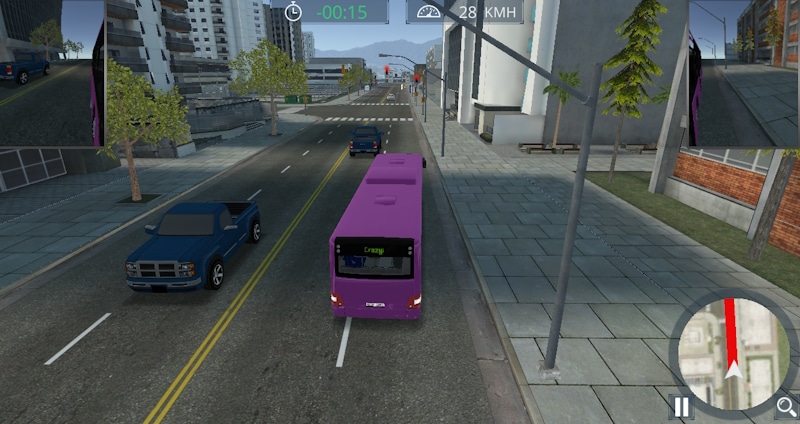
There is a small but satisfying sense of achievement when you brake at just the right moment and pull in neatly without hitting the curb.
As you move through the levels, the routes change and the driving gets a bit more challenging, which keeps it engaging without feeling stressful. The controls are easy enough to learn quickly, but driving smoothly and staying consistent still takes a bit of concentration.
9. Snake
The snake game goes back decades, transcending platforms and age groups.
Play it on the Internet browser during school and have a lot of fun in different modes.
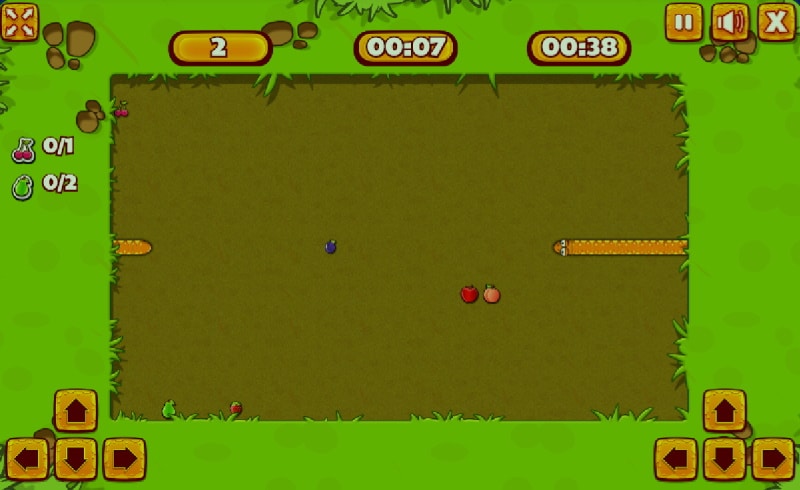
We get two modes on the welcome screen – survival, the classic eat the fruit, and the snake grows in length.
The other mode is an adventure with 20 different levels, each having different obstacles. The first level has a target of eating specific fruits in a given time to qualify.
Control the snake through the arrow keys or use the on-screen control on both sides of the screen. You can go fullscreen and enjoy the high-definition gaming experience.
10. Stick Hero
Stick Hero is the simplest unblocked game for school.
Draw bridges using the mouse to pass through every platform, whose length will vary. If the bridge is short, you fall off into the ditch, and the game ends.
On the other hand, if the bridge is too long, there is a risk of running off the proceeding platform.

The score increases by a point for crossing a platform. You can maintain a personal high score until the browser history is cleared.
The game is touchscreen friendly, so it can also be played on smartphones and tabs.
11. Moto X3M Bike Race
Revv it hard and ride the bike across the map, dodging obstacles to complete the level.
Finish each round in the fastest time possible and earn a bonus.
Do front or back flips while in the air to receive a reduction in the total time for the level.
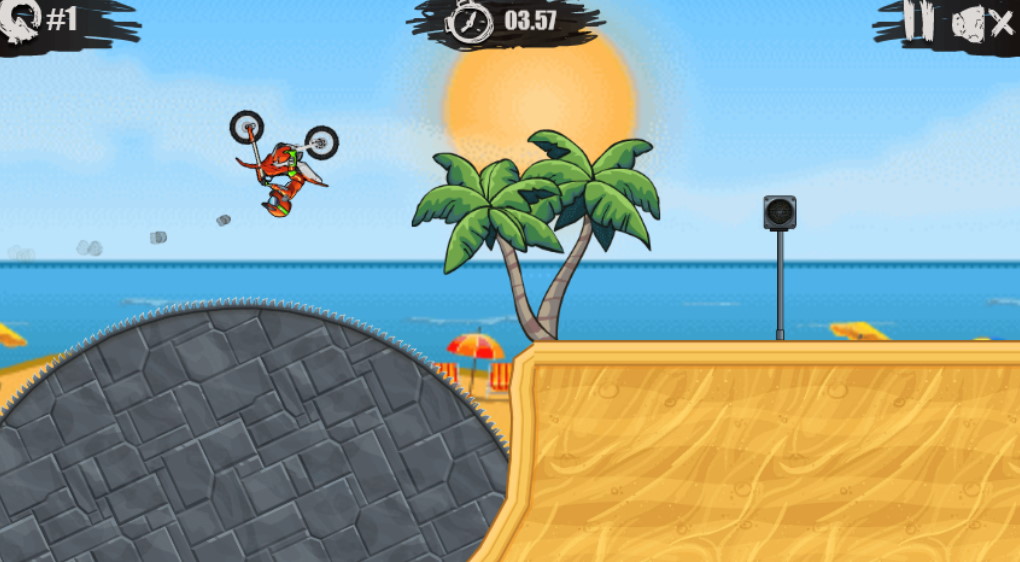
Earn one point per level, and use it in-store for buying new bikes. The lowest one starts at 10 points.
There are over 50 levels to play so you won’t get bored at school.
Rewind back and play the unlocked levels. The game remembers your progress and resumes from the last played level.
12. Contra
Set in the distant future year 2633AD, the evil Red Falcon organization has set their base near New Zealand.
Marine Corp’s finest Contra unit sends Bill Rizer and Lance Bean to defeat the villains.
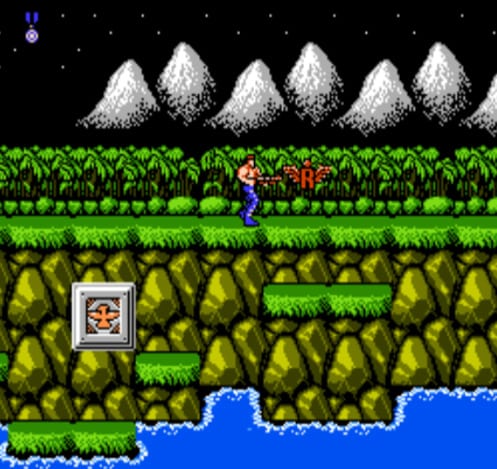
You get two lives to play the game, increasing as the player advances. We get a rifle to combat enemy soldiers, canons, and flying drones. Use arrows for movement and aim, Z for shooting, and X for jumping in the air.
The scores are recorded on your IP address, so your achievements will not be lost even if the browser history is cleared.
Save your game progress by downloading the save state through the button at the bottom. Upload it the next time and resume from the level you last played.
13. Tennis Masters
Get the boots out and head to the court. Play tennis in single mode or with friends using a single keyboard.
This 2D unblocked game for school has miniature characters playing tennis against each other.
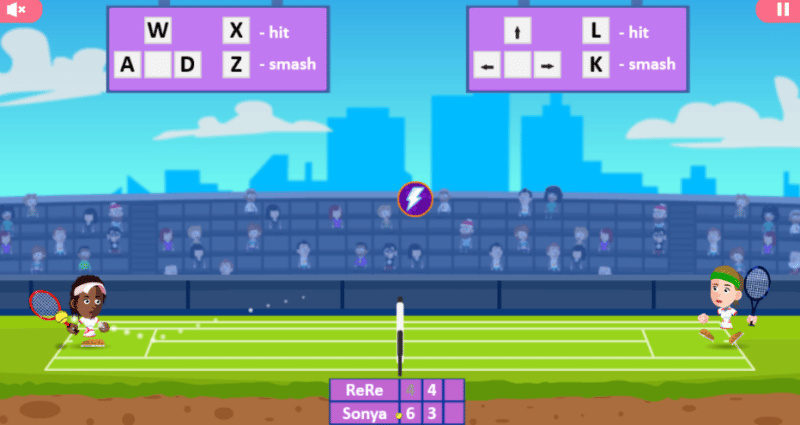
Play in single mode, with friends, or tournament style as a player. Start your journey as different groups, then proceed to quarterfinals, semi-finals, and glory in the finals. Players can play a few matches and continue the tournament at a later time.
The scoring system consists of one point for each game with a set win at 6 points. Select popular players for the game, ranging from Rafa to The Maestro.
14. Minecraft Classic
Play Minecraft during school time without requiring any installation.
The sandbox construction video game comes to a browser near you.
Start building a world in the single-player mode. Invite up to 9 friends through a shareable link to play together.
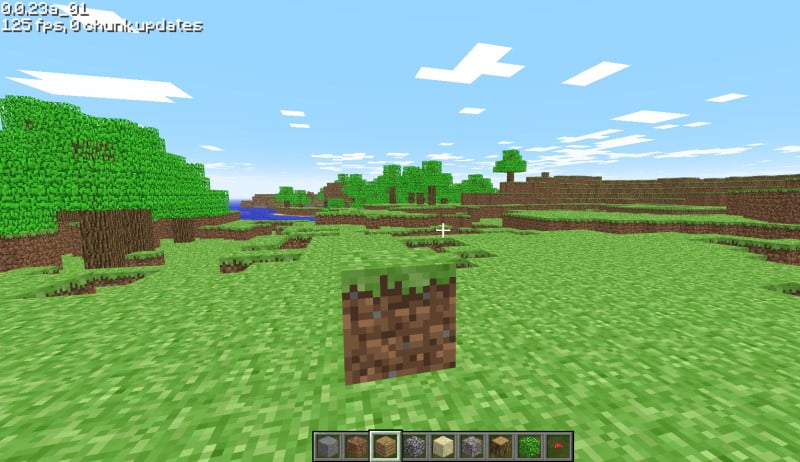
Never get bored with the world as you get the option to generate a new level. The settings include the fps counter, world render distance, music on/off, and controls, which can be customized.
Use left-click to break blocks and then right-click to place new blocks. The resolution automatically gets calibrated according to the monitor.
15. Chess
Chess is a game that is not blocked in most schools; some institutions encourage playing it to improve analytical skills.
The game is free and you can login through your account and social media. You can play as a guest without logging in.
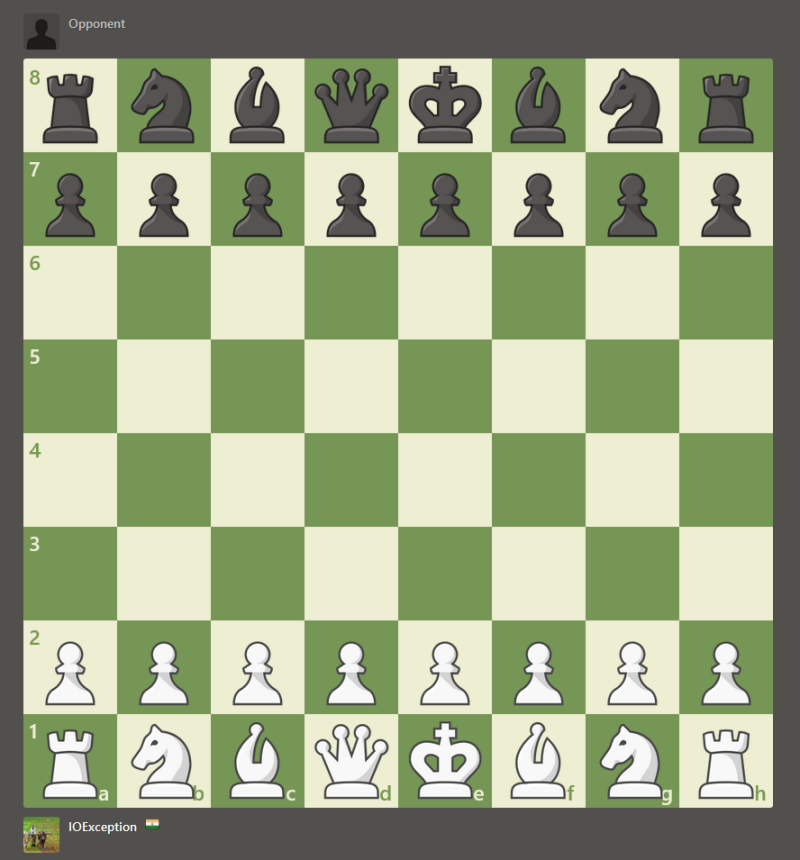
Play against the computer with varied difficulties, online with players having similar ratings. Participate in tournaments against real players and win virtual trophies to boast.
There is a 10-minute classic game and bullet chess game with a minute on the block on both sides. Some of the other variants include Blitz and Long.
How to play unblocked games at school
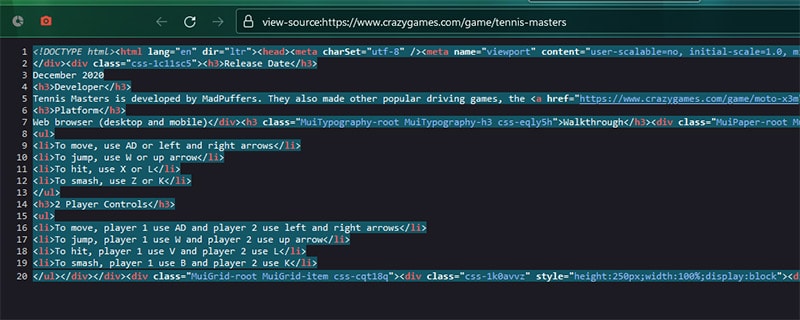
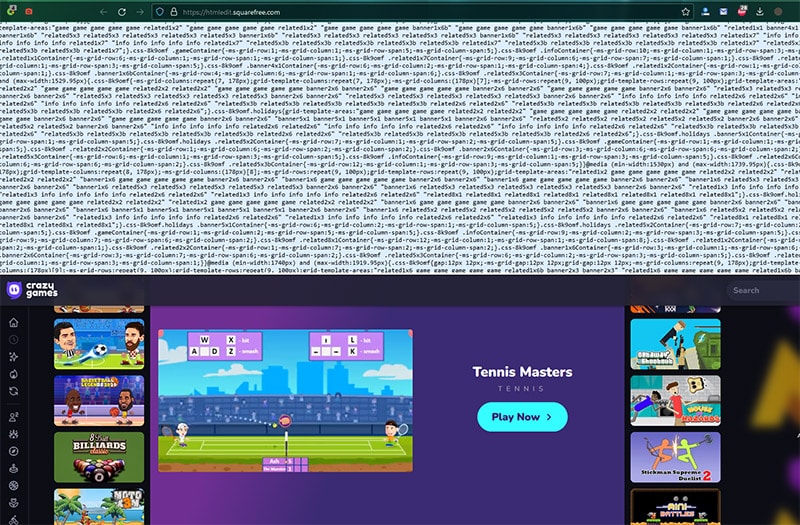
There is a chance the games can be blocked. Unblock games at school through this simple trick.
- Head to the game’s page you want to play.
- Press Ctrl + U to open the source code. Select the entire code by pressing Ctrl + A and then copy it through Ctrl + C

- Head to the Real-time HTML Editor and paste the code.

How do you unblock game websites at school?
To unblock game websites at school you can simply use a VPN. This will hide your real IP and allow you unrestricted access to any game website.
Also Read: How To Unblock Roblox At School
Over to You
These were the best unblocked to play at school for free. Load them in any modern web browser with an active internet connection, and you are good to go.
Flash games don’t work in most browsers, so we did not include them.